Word
For your next draft.
Edit, annotate and build on the ideas in Microsoft Word or a compatible editor.
Turn AI conversations into documents you can edit, share and build on. Keep the good parts. Take the next step.
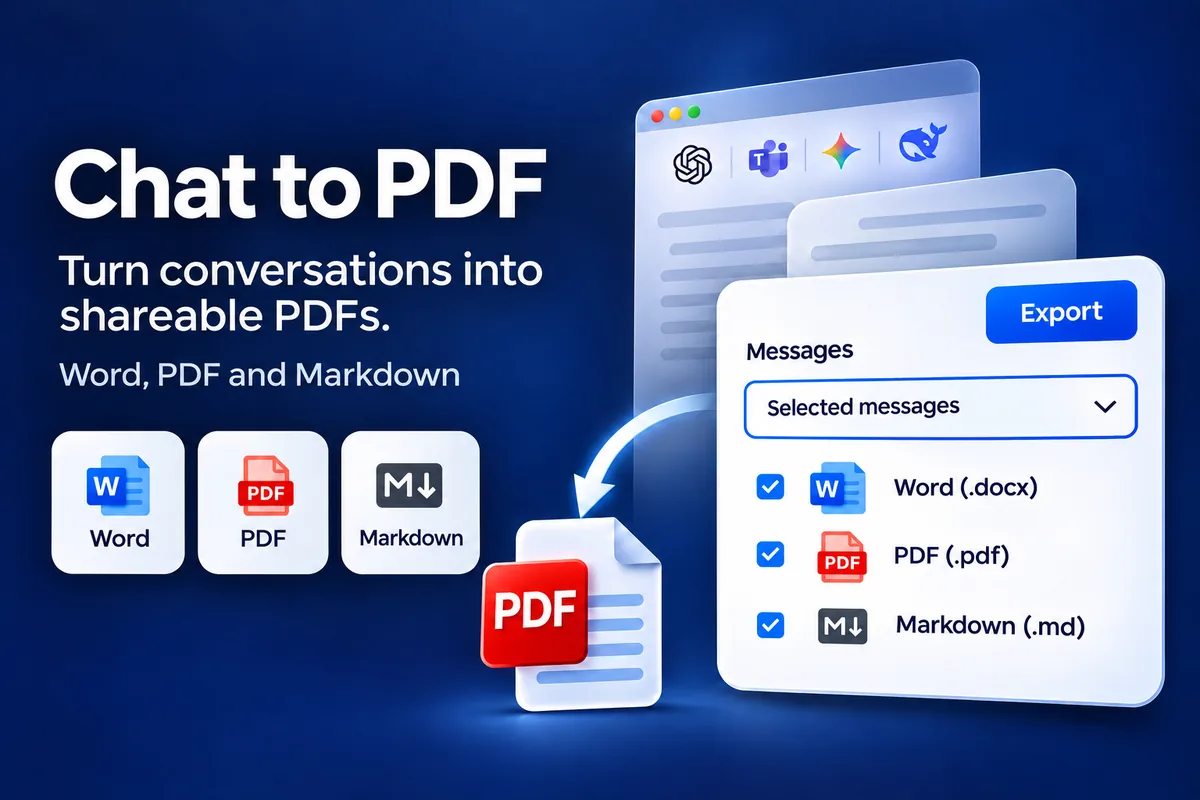
Move from an AI conversation to a working document with the Chat to PDF extension.
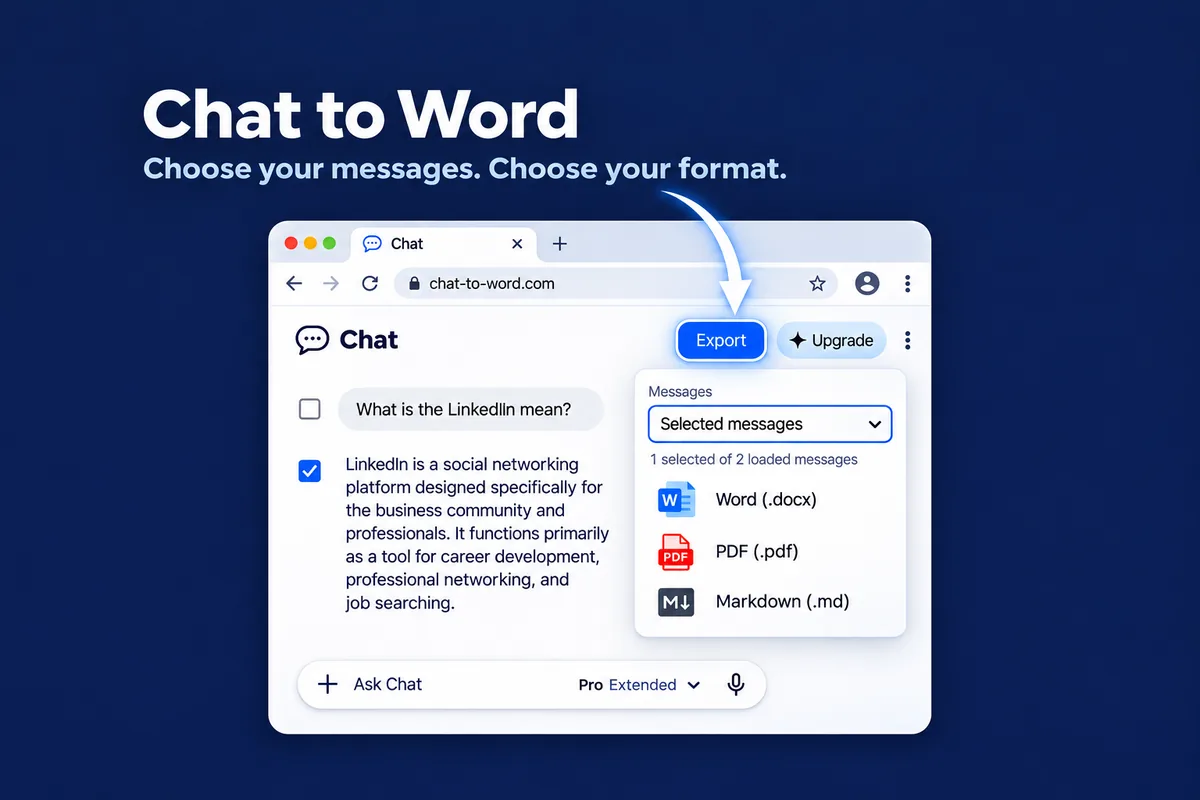
Install on desktop Chrome. Open your chat and scroll to load the messages you need.
Open Export and choose individual messages, all loaded messages or only answers.
Save as Word or Markdown, or choose Save as PDF in the print dialog. Review, edit and share.
For your next draft.
Edit, annotate and build on the ideas in Microsoft Word or a compatible editor.For sharing the result.
Save a clean document you can read, print, archive or send.For your knowledge base.
Keep lightweight text for your notes, documentation and Markdown workflows. Available now
Turn your Google Gemini conversations into editable Word documents, PDF files and Markdown notes.
 Coming soon
Planned export of ChatGPT conversations into editable Word documents, with PDF on the roadmap.
Pick the explanations that helped you and export the chat to Word. Supported math arrives as editable Word equations — everything else stays editable text you can highlight and rearrange.
Explore Chat to PDF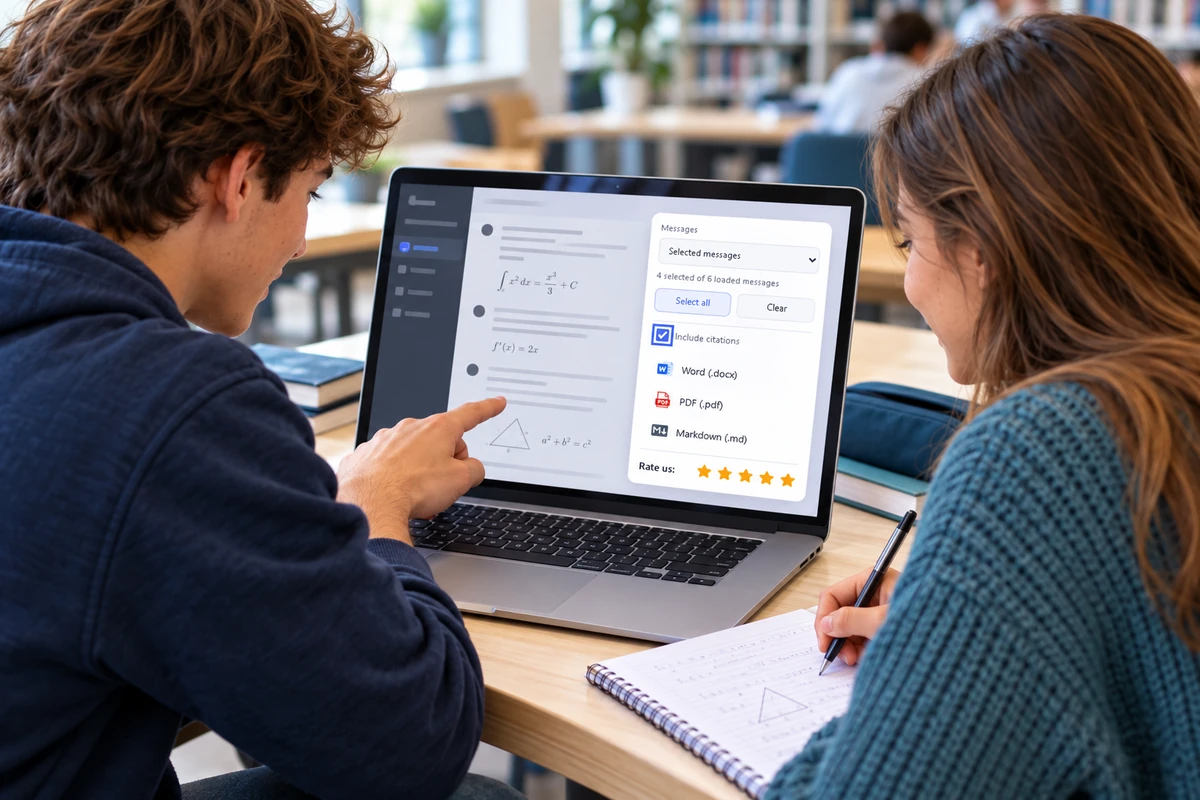

Turn a loaded AI conversation into an editable Word document you can annotate, restructure and build into coursework — selected messages only, exported from chat to Word in one step.
Explore Chat to PDFChat to PDF means saving an AI conversation as a document you can keep. Instead of pasting scattered messages, you export the content you need and continue working with it as a Word document, a PDF file or Markdown notes.
The extension available today exports one AI conversation at a time on desktop Chrome, and a second product is in development. See the product cards above for what is live and what is coming.
Install the extension on desktop Chrome, open a conversation, load the messages you need, then select them in the export controls. Choose a format — Word (.docx), PDF or Markdown (.md) — and save the file.
Yes. Load the conversation, select the explanations and answers you need and export them to Word (.docx). The chat becomes an editable study document you can highlight, reorganise and print for revision.
Supported math is converted into editable Word equations in the exported document. Formulas the extension does not support stay as readable source text.
The extension supports Word (.docx), PDF and Markdown (.md). PDF can use the browser print dialog: choose Save as PDF to create your file.
You can browse this website on a phone or tablet. The extension requires a desktop browser that supports Chrome extensions; standard Chrome on Android and iOS does not support installation.
Pricing belongs to each product, not this site. A live product shows its current plans inside the extension before you confirm anything; upcoming products announce theirs at release. Compare what is available in the product cards above.