Word
For a document you can edit.
Gemini answers become an editable .docx — supported headings, lists, tables and equations included.
Turn your Gemini conversations into editable Word documents, PDF files and Markdown notes. Choose the messages. Keep the structure. Make it yours.
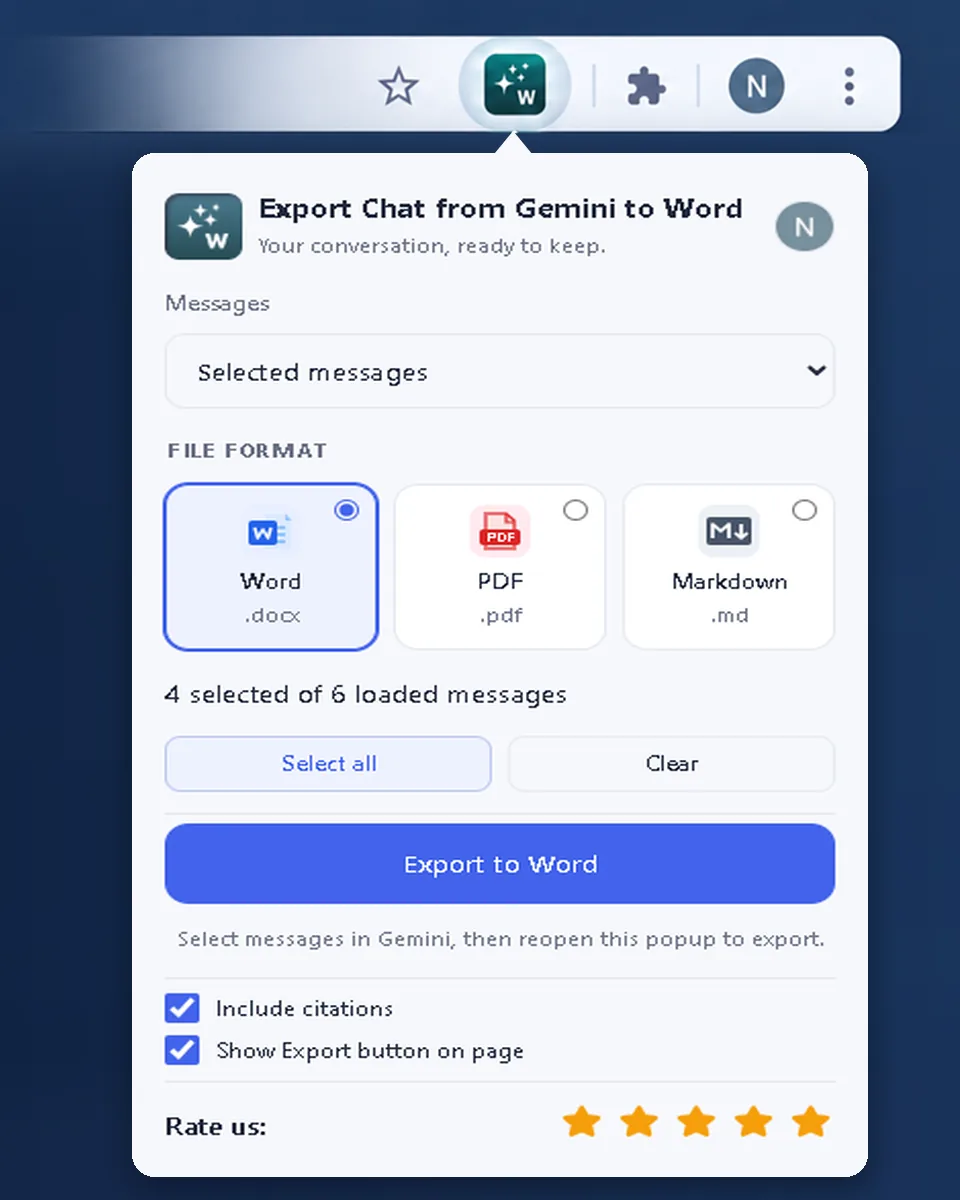
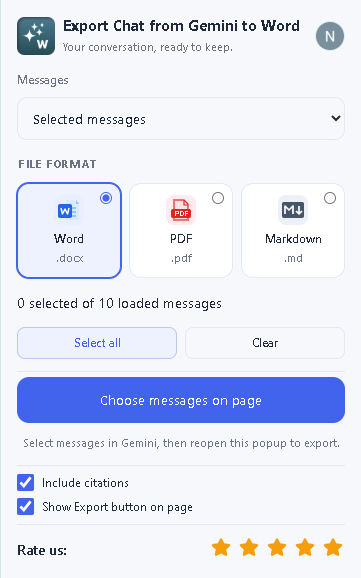
Move from an AI conversation to a working document with the Gemini to Word extension.
Install on desktop Chrome. Open Gemini and scroll to load the messages you need.
Open Export and choose individual messages, all loaded messages or only Gemini answers.
Save as Word or Markdown, or choose Save as PDF in the print dialog. Review, edit and share.
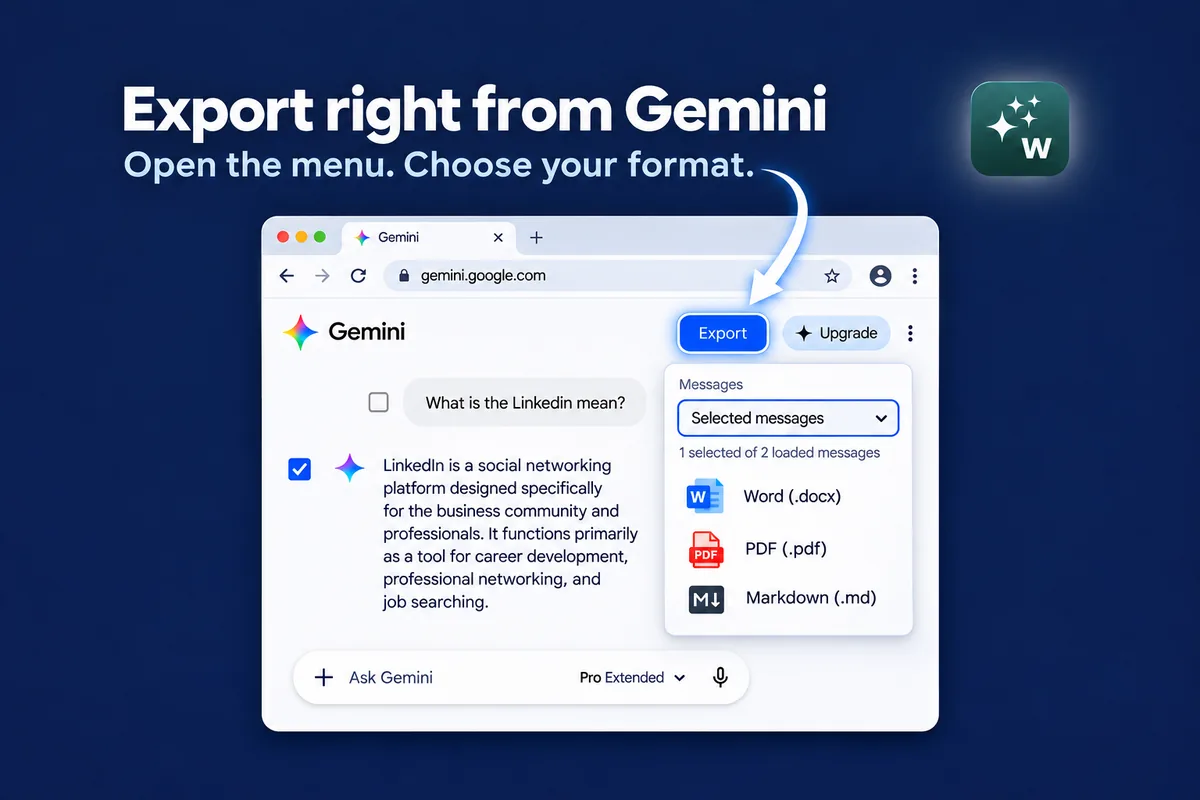
For a document you can edit.
Gemini answers become an editable .docx — supported headings, lists, tables and equations included.For sharing a finished version.
A clean, fixed document — straight from the export menu or the browser print dialog.For notes that stay light.
Plain, portable text for your documentation and knowledge base.Also available as PDF and Markdown
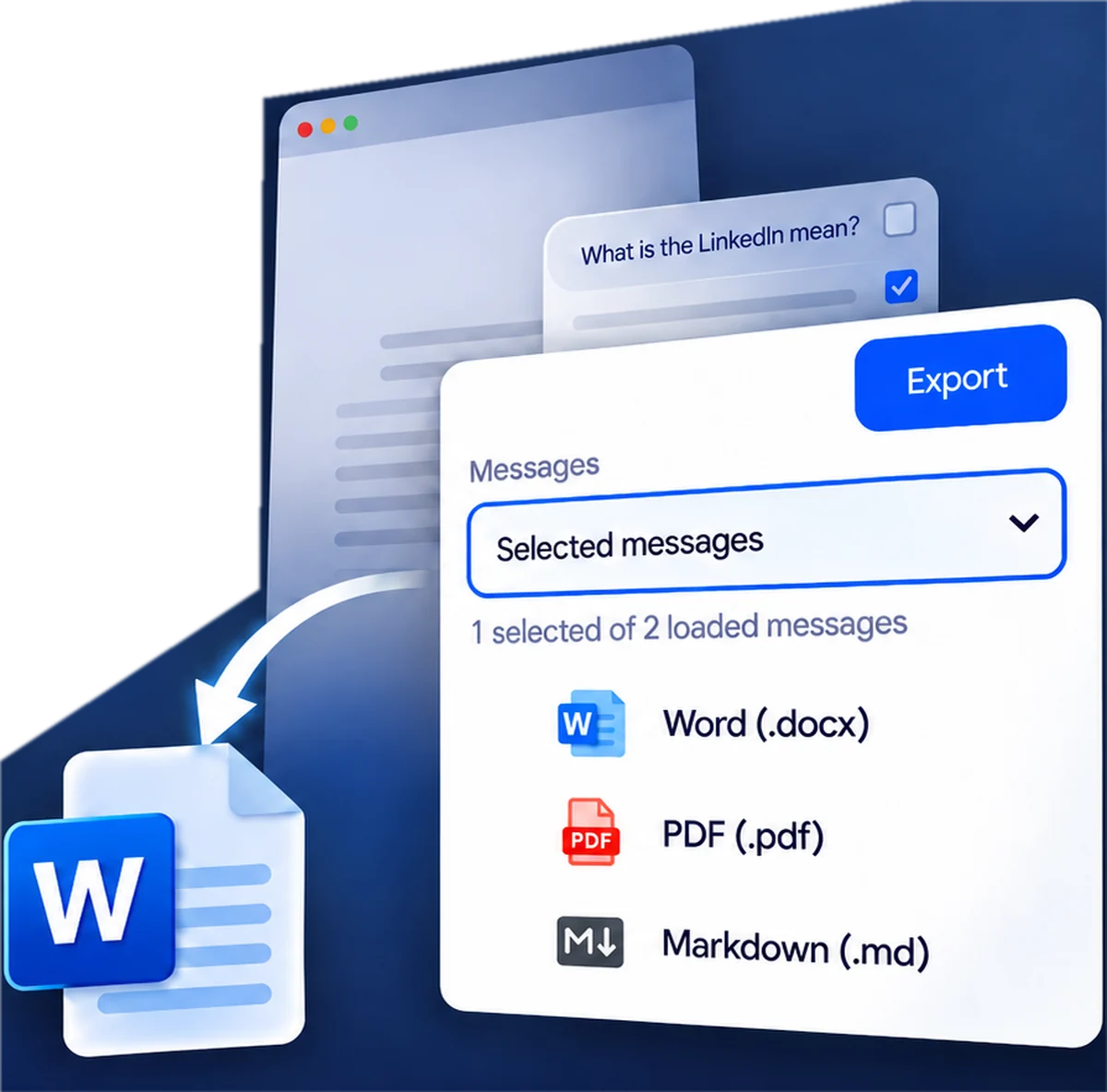

Turn a loaded Gemini conversation into an editable Word study or research document. Select the explanations and answers that matter, keep or remove Gemini citations and links, and build your notes into coursework.
Add to ChromeExport the full chat — all loaded messages, not just the ones you picked — into an editable Word document. Keep or remove Gemini citations and links with the include/exclude option, then shape the material for your class.
Add to Chrome
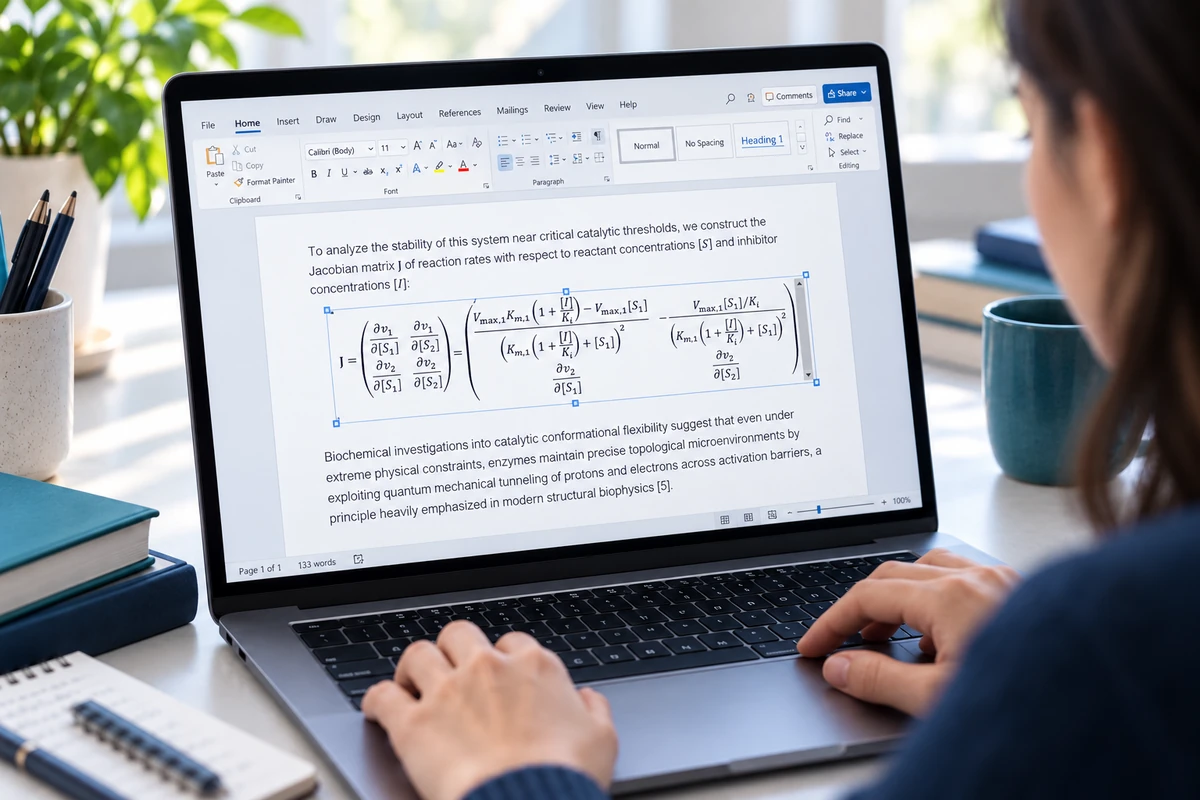
Supported math from your Gemini chat becomes real, editable Word equations you can keep working on in the exported .docx. Anything the extension does not support stays as readable source text.
Add to Chrome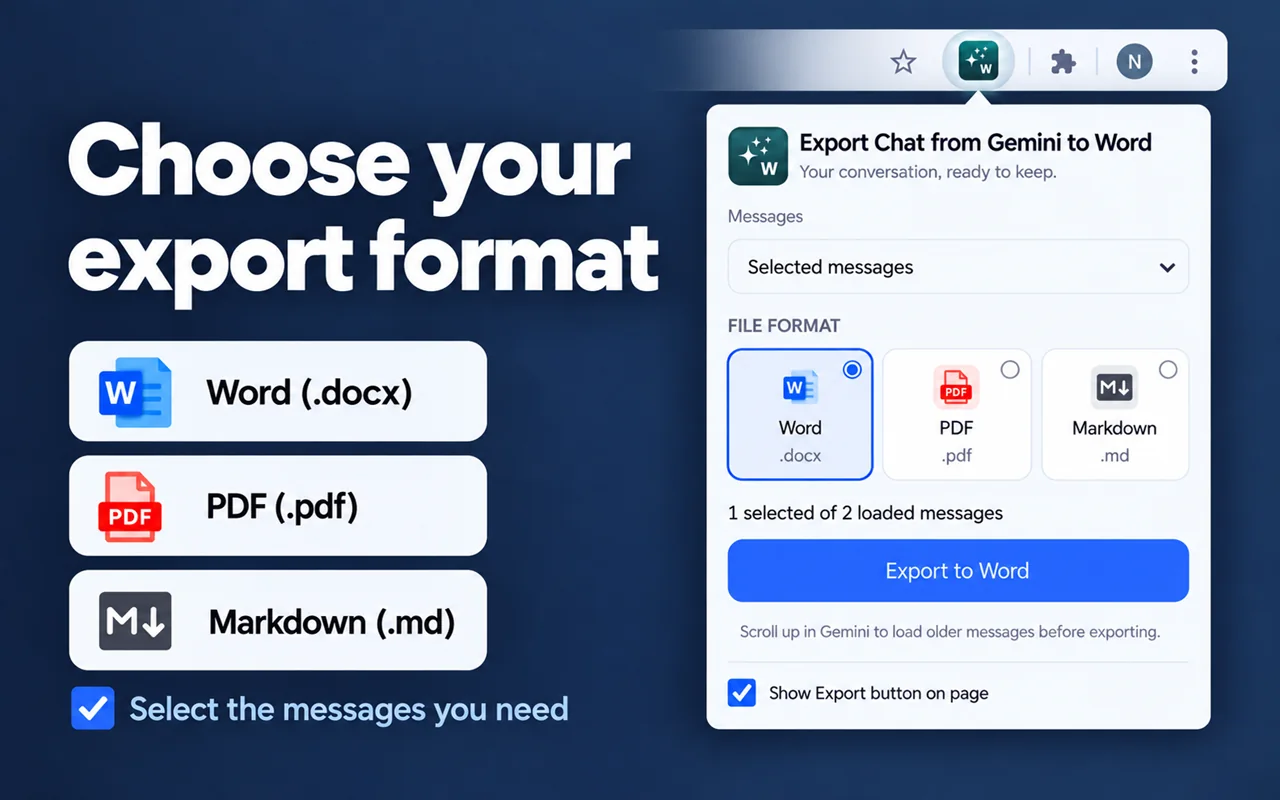
Yearly plan $30 / year
Something else you’d like to know?
Let’s talk
Add the extension to desktop Chrome, open your Gemini conversation and scroll to load the messages you want. Open Export, choose selected messages or all loaded messages, select Word (.docx) and save. Your document can then be edited in Microsoft Word.
Yes. You can choose only Gemini responses, selected messages, or all messages currently loaded in the conversation. Choose the scope before exporting so your document contains the parts you need.
Gemini loads parts of a conversation as you scroll. The extension can export only content currently loaded on the page. Scroll through the older sections, wait for them to load, then check the message count before saving.
The extension keeps supported headings, lists, tables and code blocks. Supported formulas can be converted for Word; unsupported formulas may remain as source text. Images may be fetched from their original sources, and unavailable images can be omitted. Review important exports before sharing.
Yes. An include/exclude option in the export controls lets you keep or drop the citations and links from your chat. Choose your preference before saving — the exported document follows your setting.
Supported math arrives as real, editable Word equations in the exported document. Math the extension does not support stays as readable source text you can edit or remove.
Choose PDF in the export menu. If the optional local conversion service is unavailable, the extension opens the browser print dialog. Choose Save as PDF and check the preview before saving.
The extension exports one conversation at a time. To combine different conversations, export each as a Word document and merge their content in your document editor.
Word and Markdown files are created locally in your browser. Images may be fetched from their original sources. PDF can use an optional local conversion service or browser printing. Preferences and selections use extension storage; subscription access may contact the payment provider.
The website works on mobile, but installation and exporting require desktop Chrome or another compatible desktop browser. Standard Chrome on iOS and Android cannot install this extension.